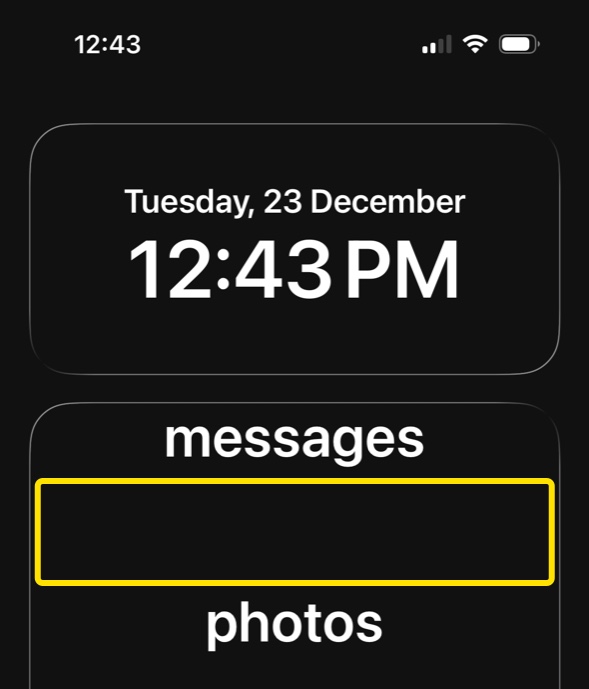
How do I space out apps in the list?
You can add spacers to the list of apps to spread them out across multiple pages.
How to
-
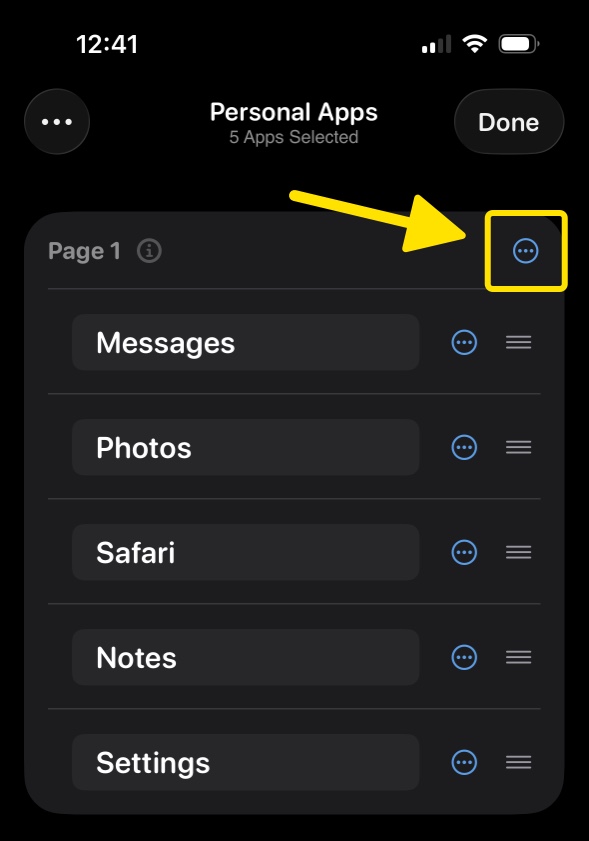
Open Dumb Phone → Apps → tap the Menu button
-
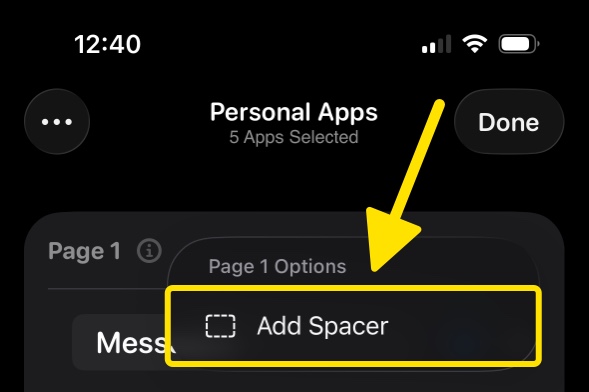
Tap Add Spacer
-
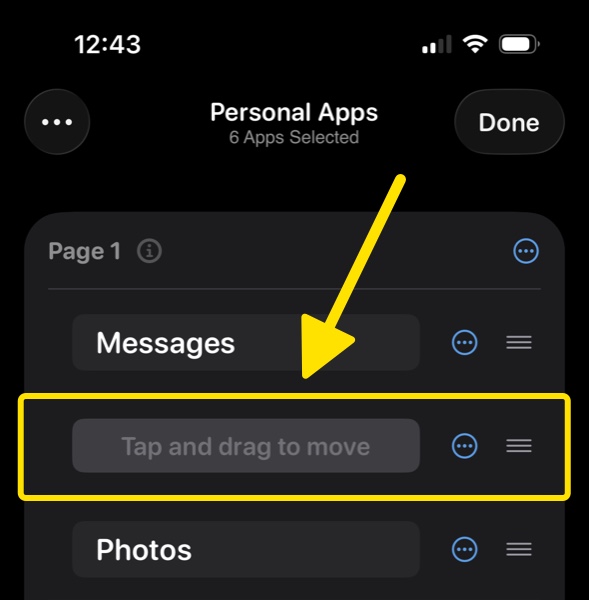
Drag to reposition the Spacer
-
Return to the Home Screen to see the spacer added to the list