I'm having trouble stacking Dumb Phone widgets
🪲 This has been an iOS bug for years, when attempting to stack Large-sized widgets.
If you are having trouble stacking widgets, here's an alternate way to stack them:
Add the Large-sized Smart Stack widget
-
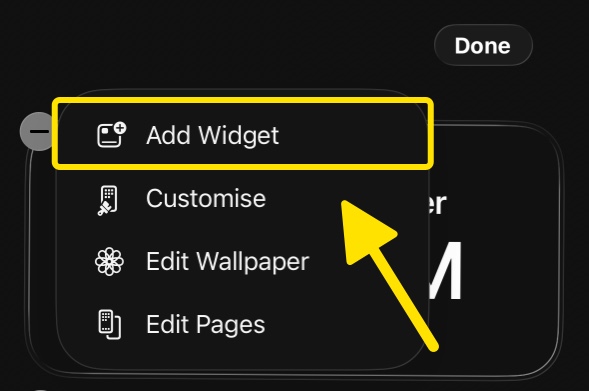
Long-press on the Home Screen → Edit → Add Widget
-
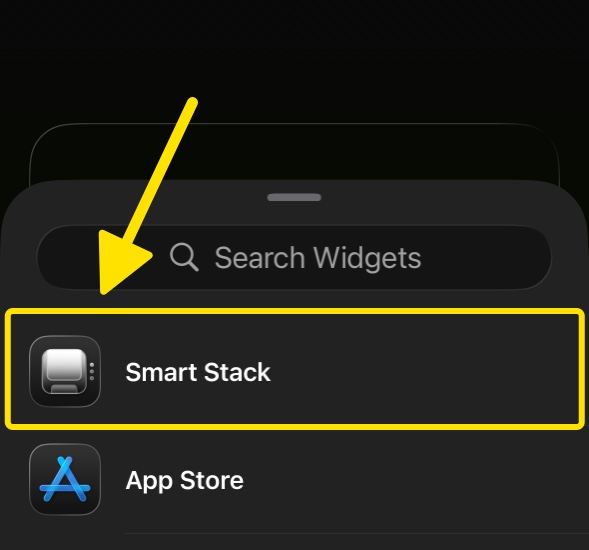
Select Smart Stack
-
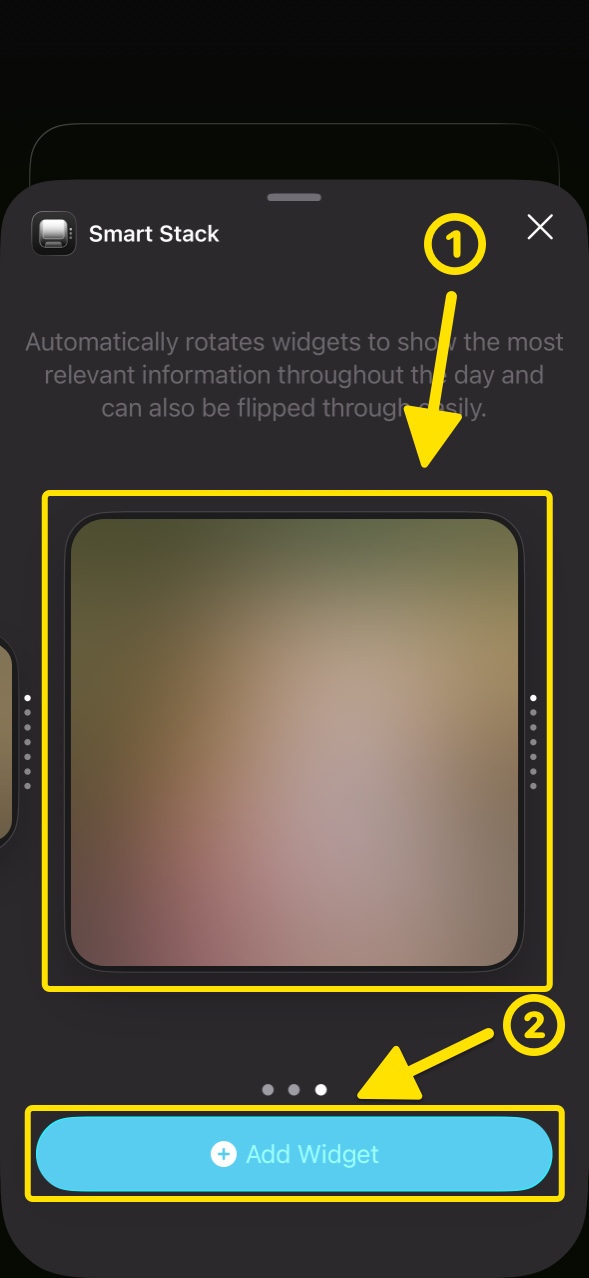
Swipe across to the largest size preview and tap Add Widget
Configure the Smart Stack
-
Long-press the added stack, then tap Edit Stack from the menu
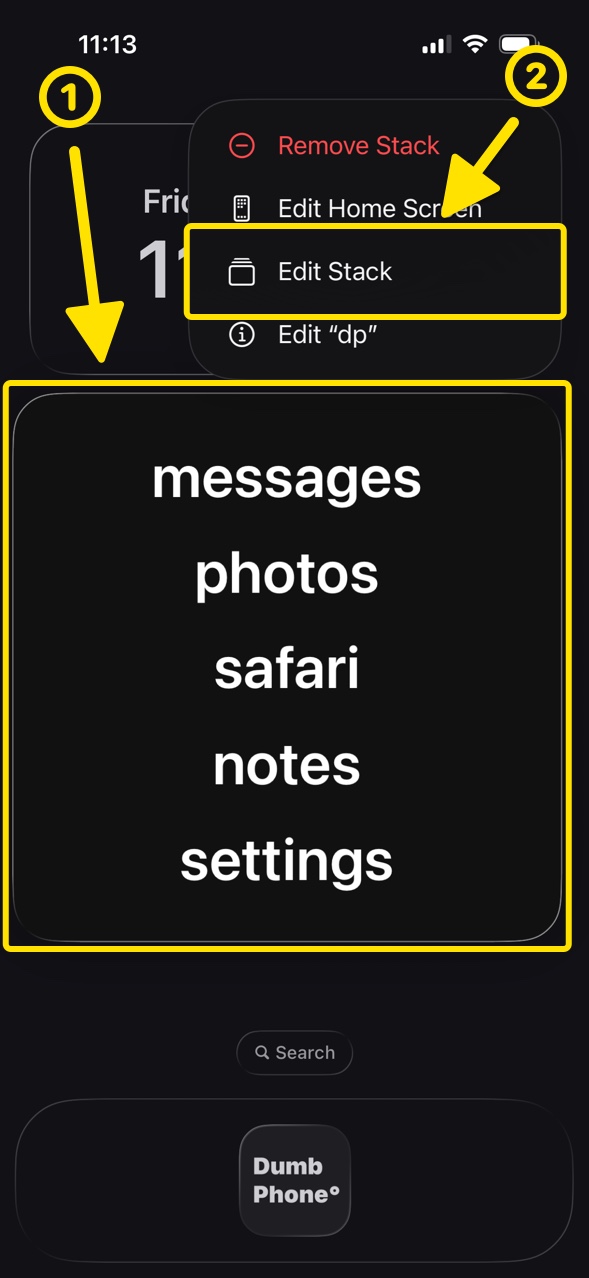
-
Tap the + button in the top left corner to open the Add Widget screen
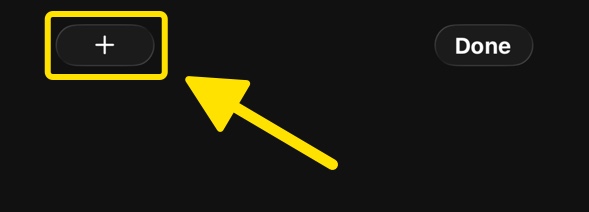
- Select "dp" from the list → add the Dumb Phone Page 1/2/.. widgets
-
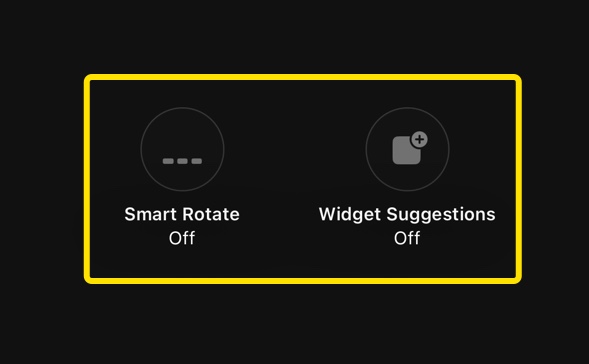
Set Smart Rotate and Widget Suggestions at the bottom to OFF for the stack