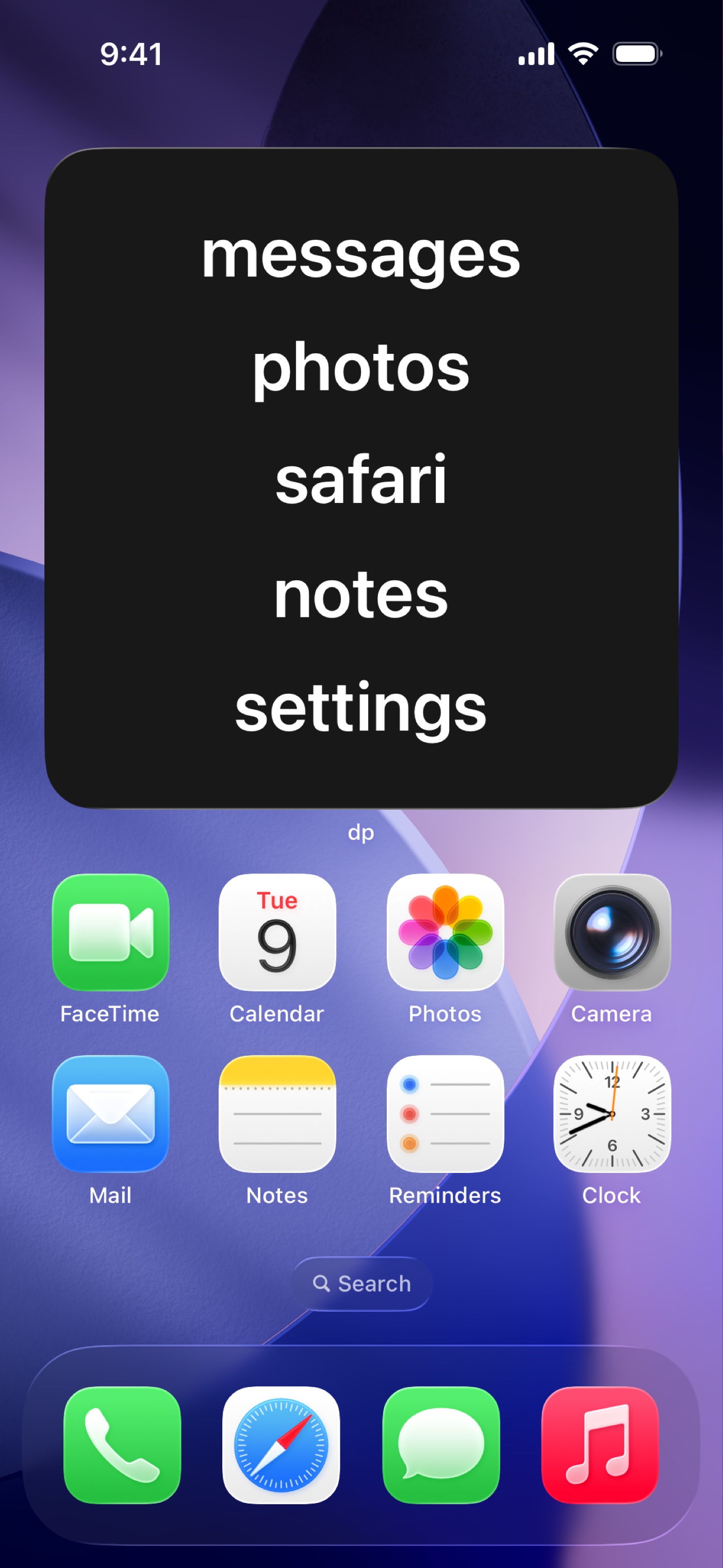
Step 1: How do I add the widget?
💡 Replace your app icons with simple labels.
Instructions
- Open the Add Widget screen
- Long-press on the Home Screen → tap Edit → Add Widget
-
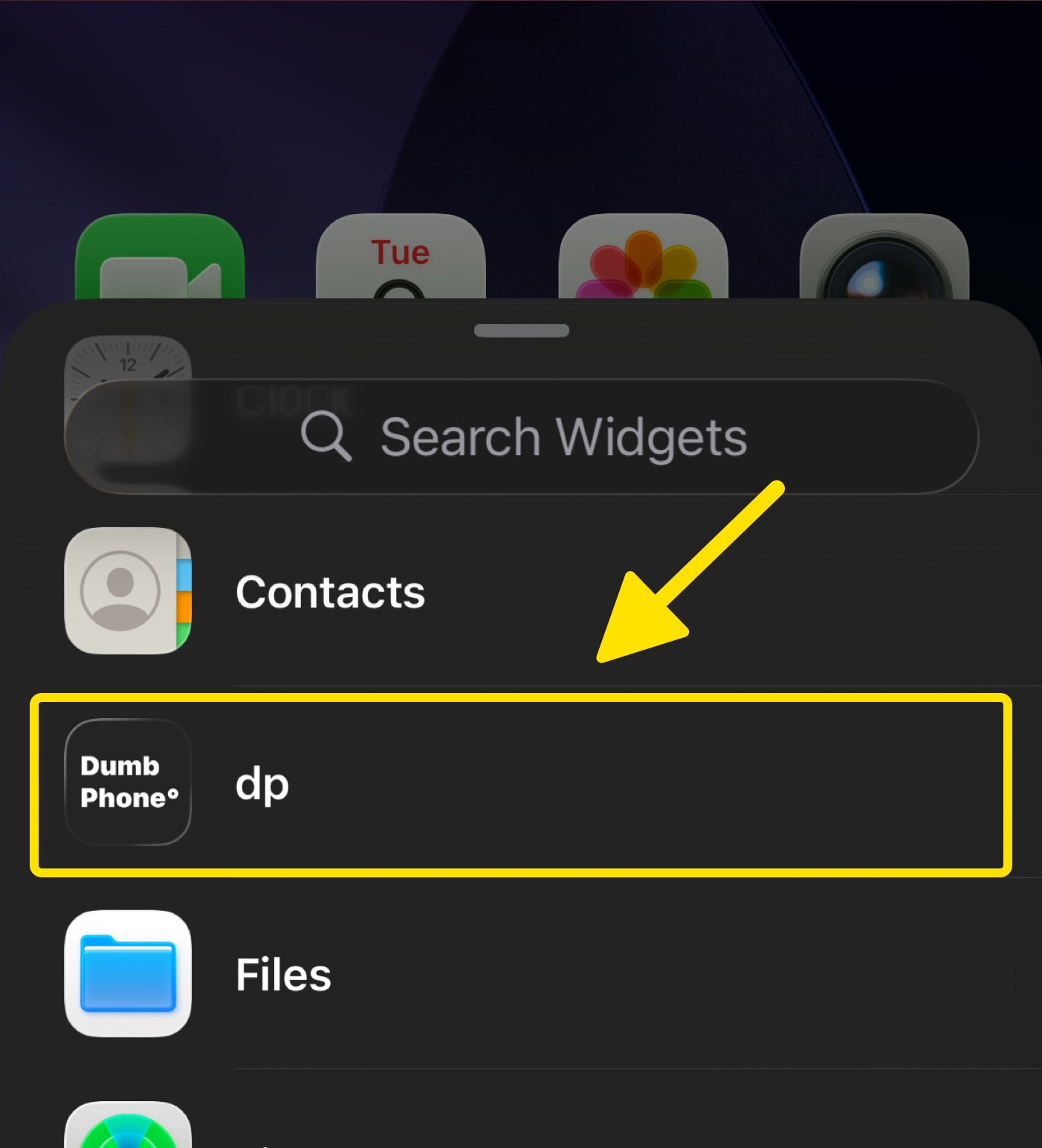
Scroll down and tap Dumb Phone (which will appear as "dp")
-
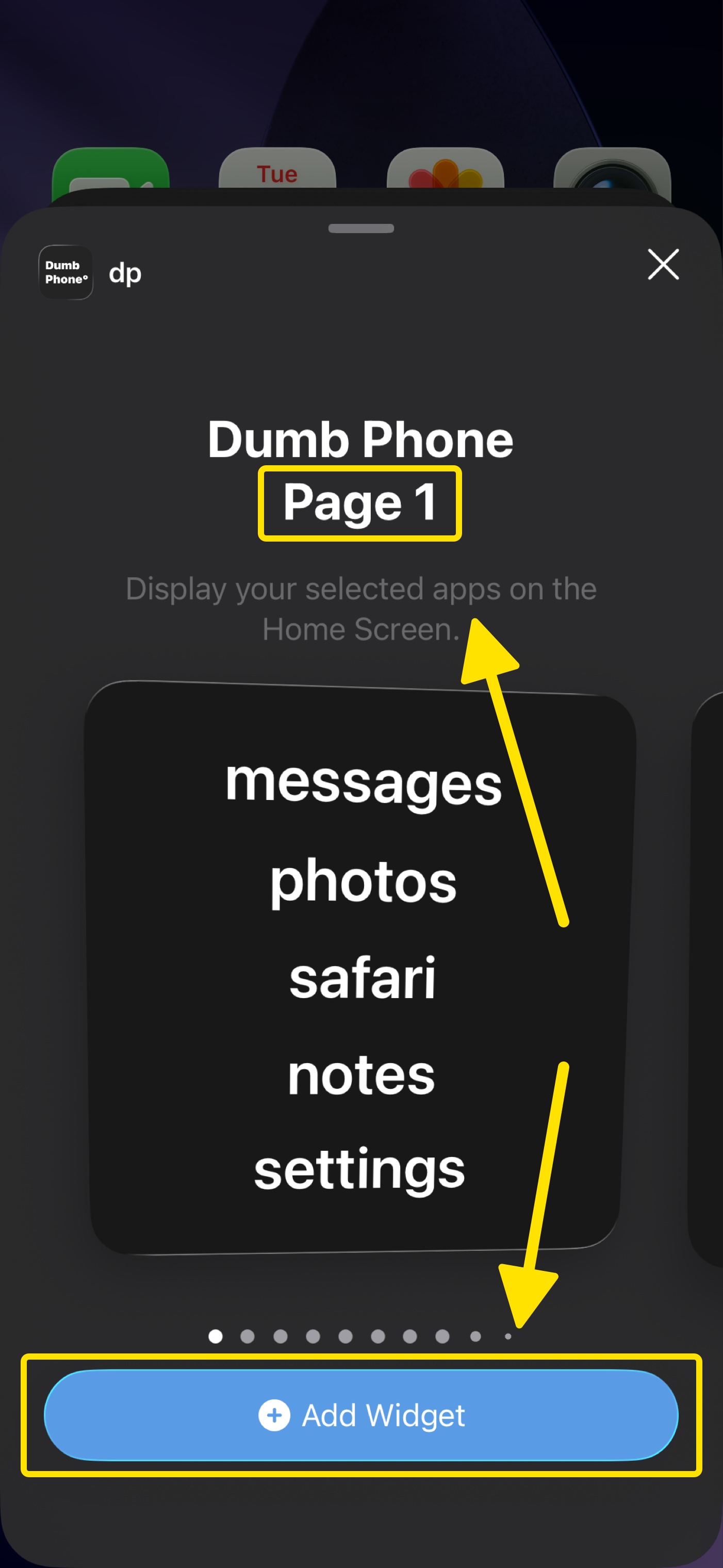
Swipe to the Page 1 widget, then tap Add Widget
-
Dumb Phone is now added to your Home Screen