I downloaded an app, but it doesn't appear in the Add Apps list
Let us know which app is missing
- Open the Add Apps screen and tap Request App
- Enter which app is missing and tap Submit

How to add a Custom App
- Tap Add Custom App
- Enter the app's name, tap Next
- Enter the app's URL Scheme if you know it, or link it with Dumb Phone via Apple Shortcuts
❓ What's a URL Scheme?
They are similar to how you enter a website address in Safari and it goes to a website. But in this case the URL Scheme is the address used to open another app.
If you know the URL Scheme of the app
- Enter the URL Scheme
- Tap Add App → Done
- Tap the created Custom App to select it


If you don't know the URL Scheme of the app
-
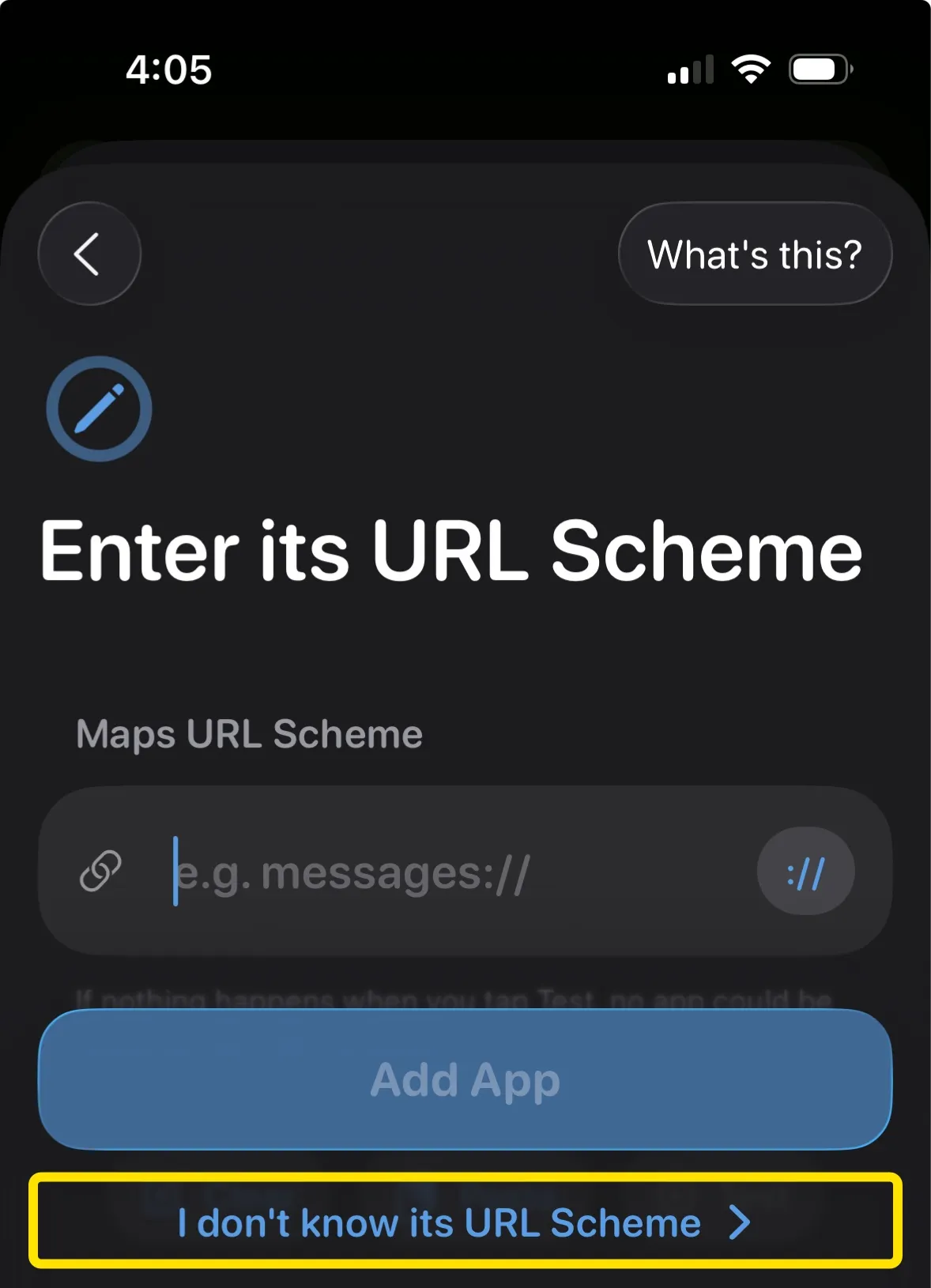
Tap "I don't know its URL Scheme"
-
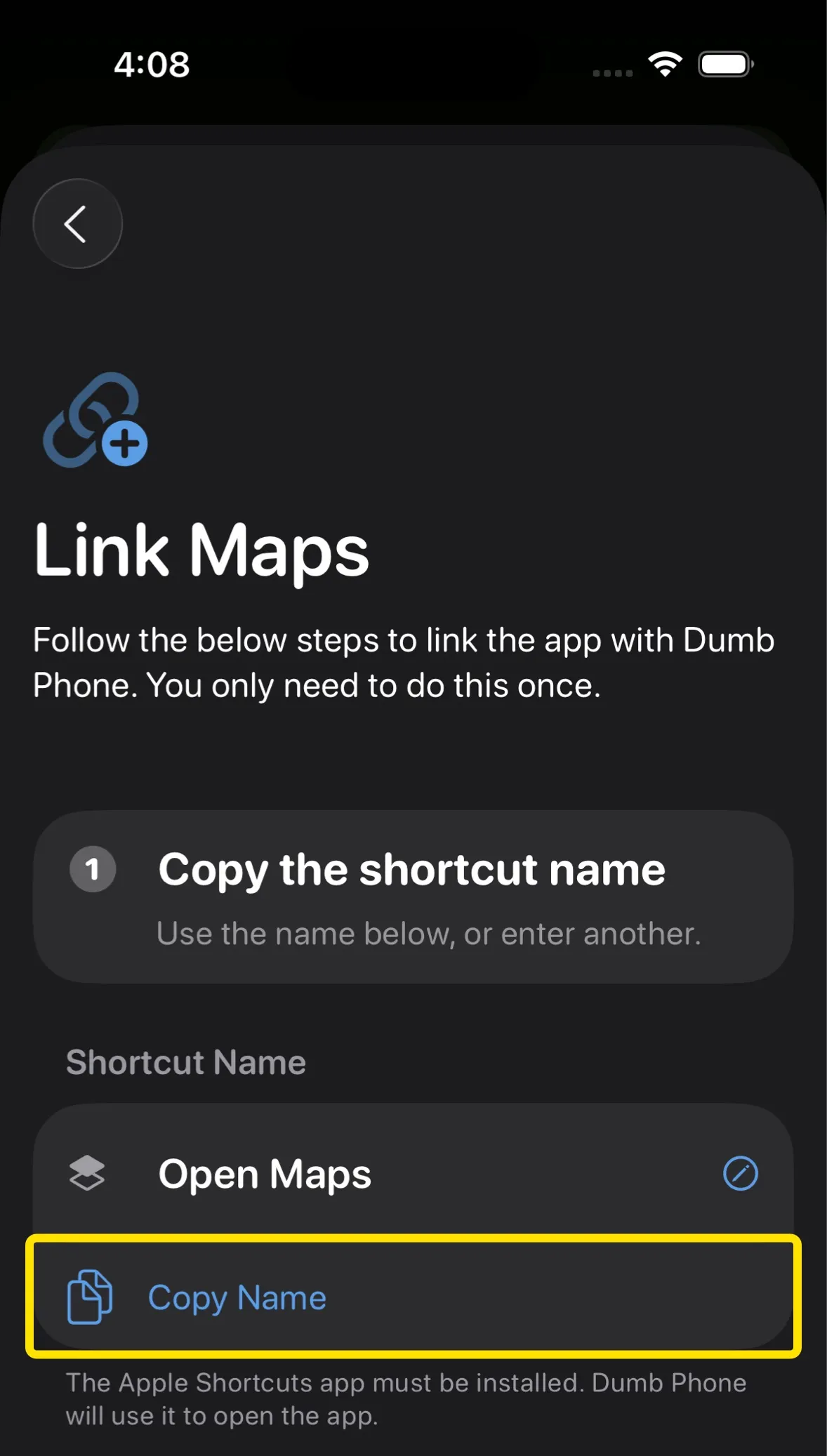
Tap "Copy Name"
-
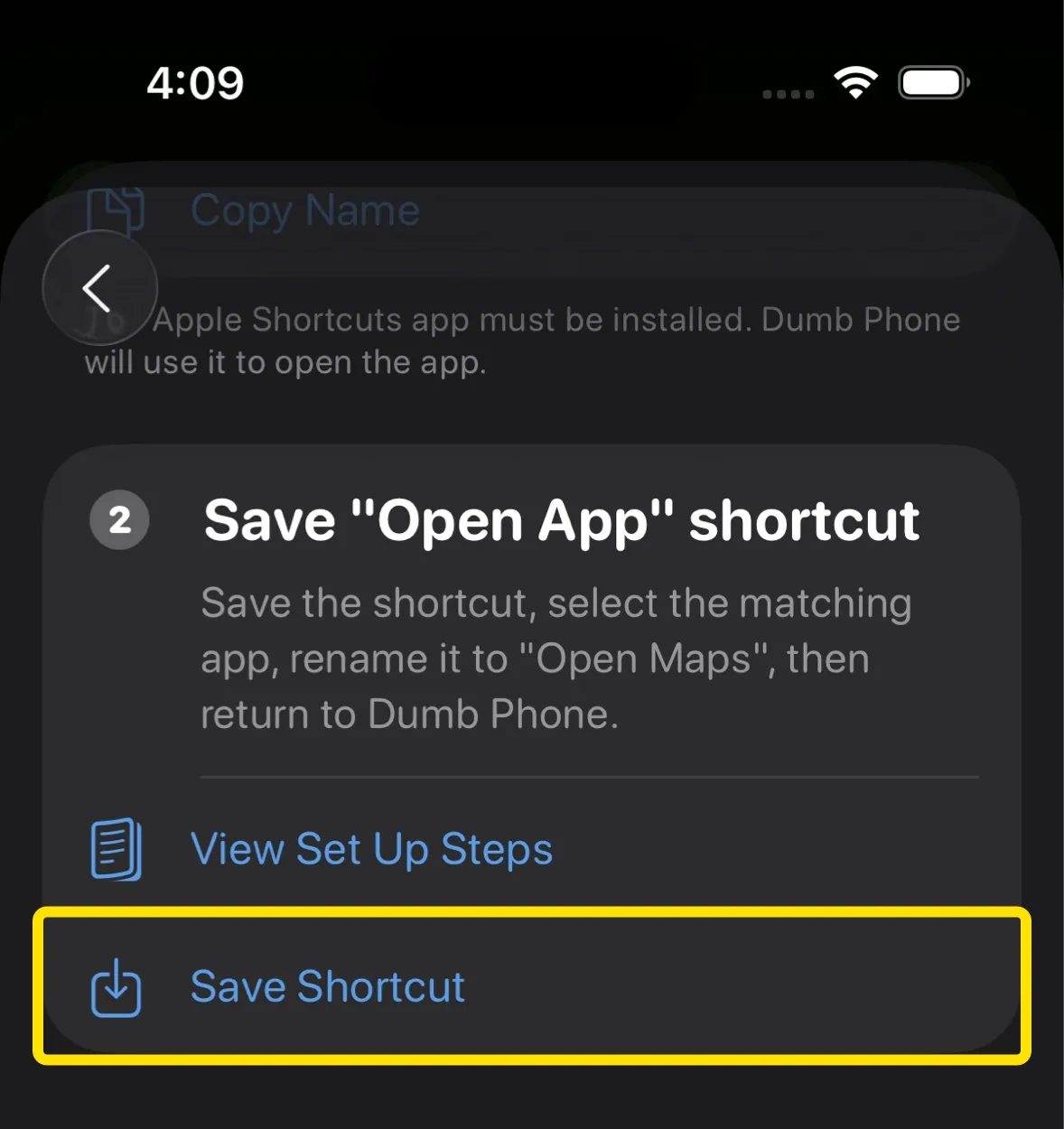
Tap "Save Shortcut"
-
When the Apple Shortcuts sheet appears, tap Add Shortcut
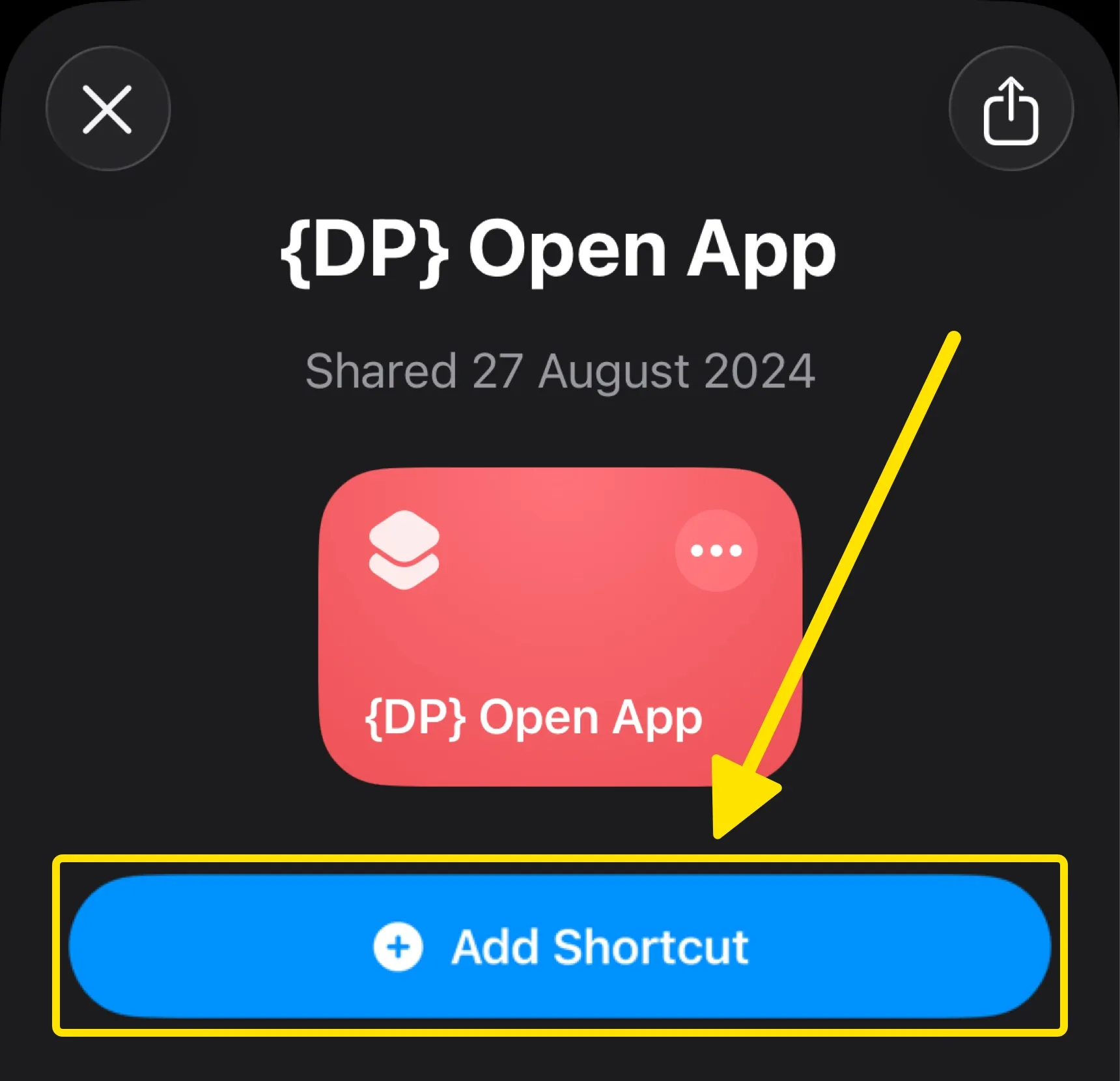
-
Tap the three dots to edit the saved {DP} Open App shortcut
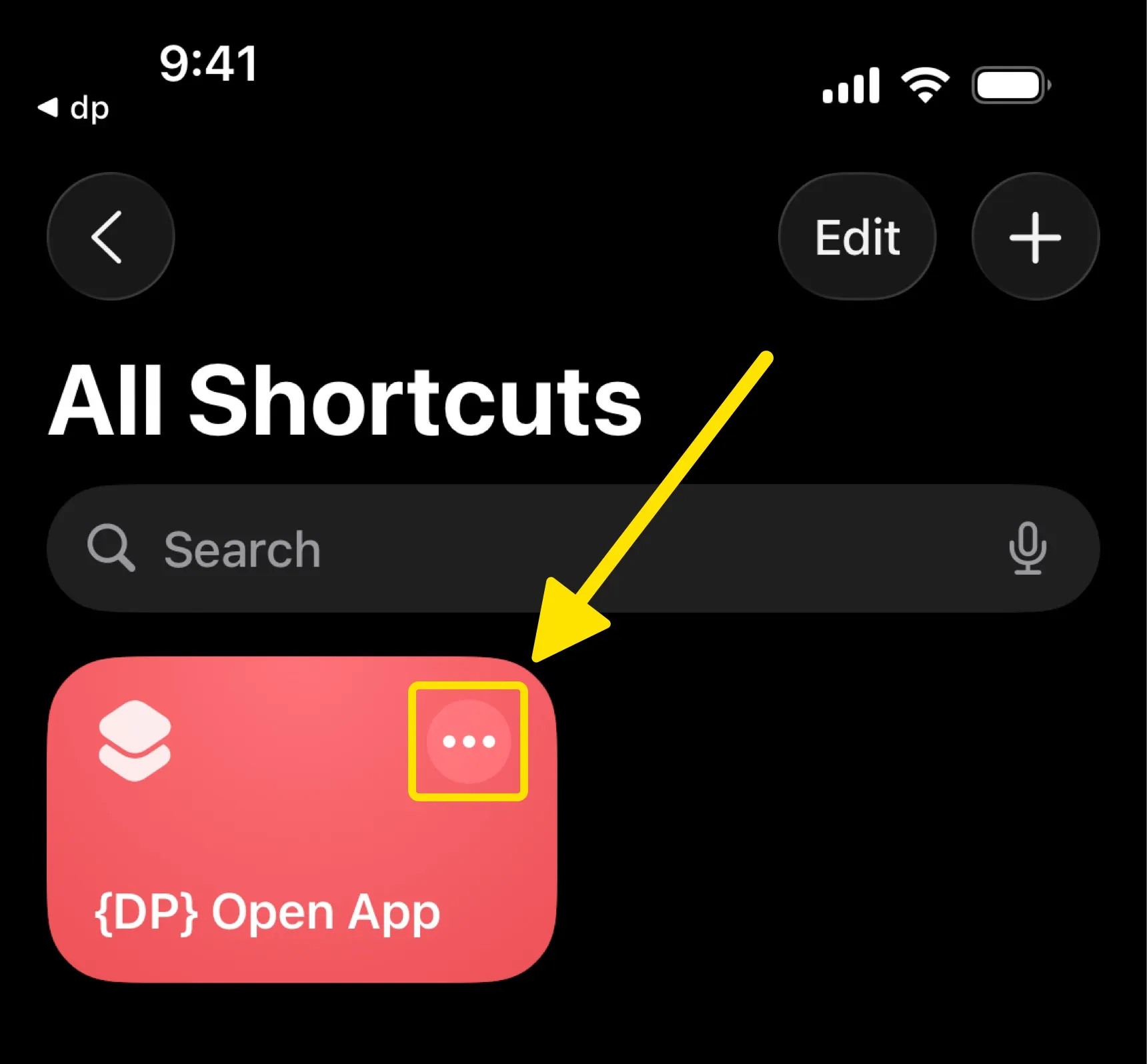
-
Select the respective app that you'd like to open
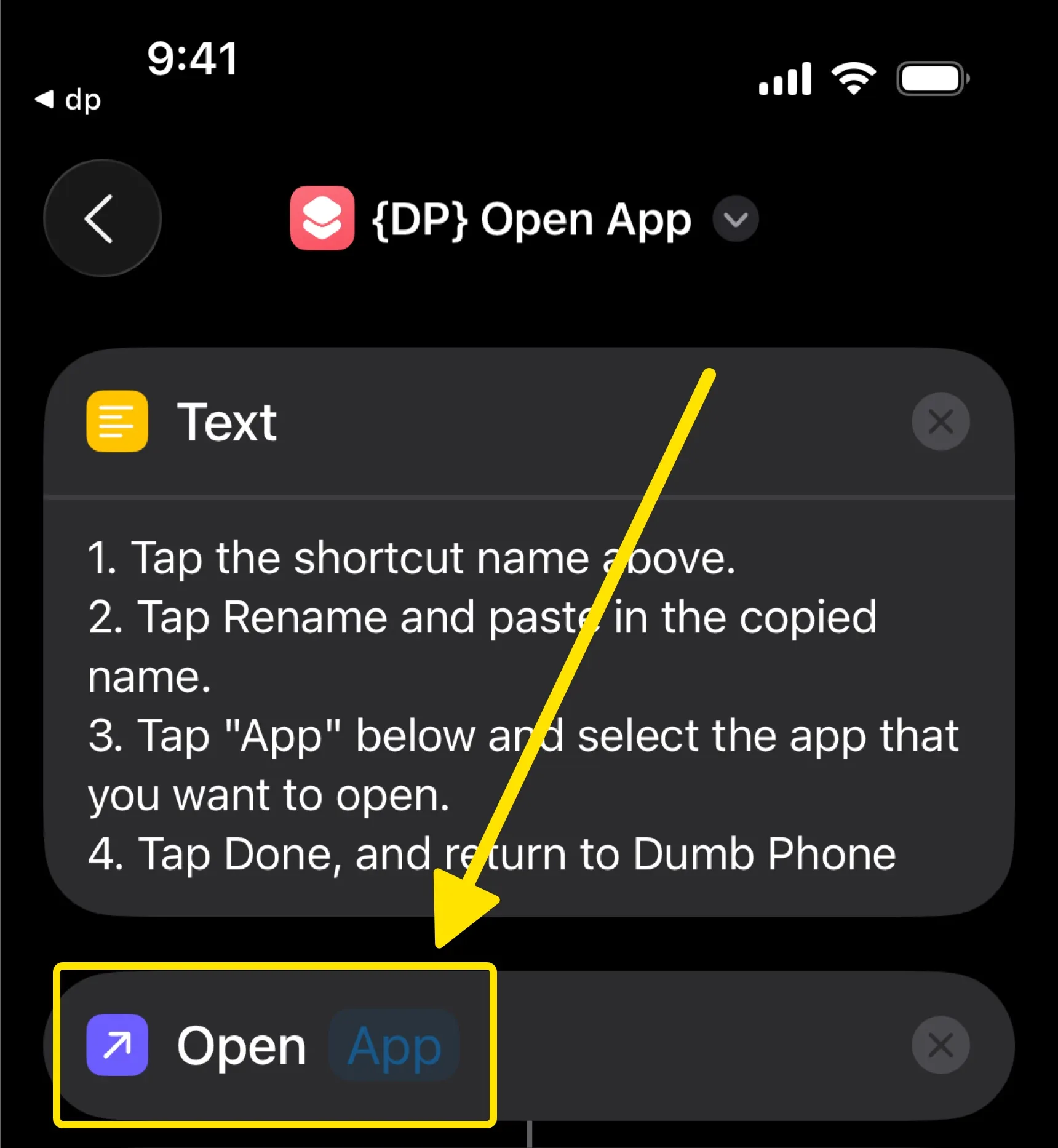
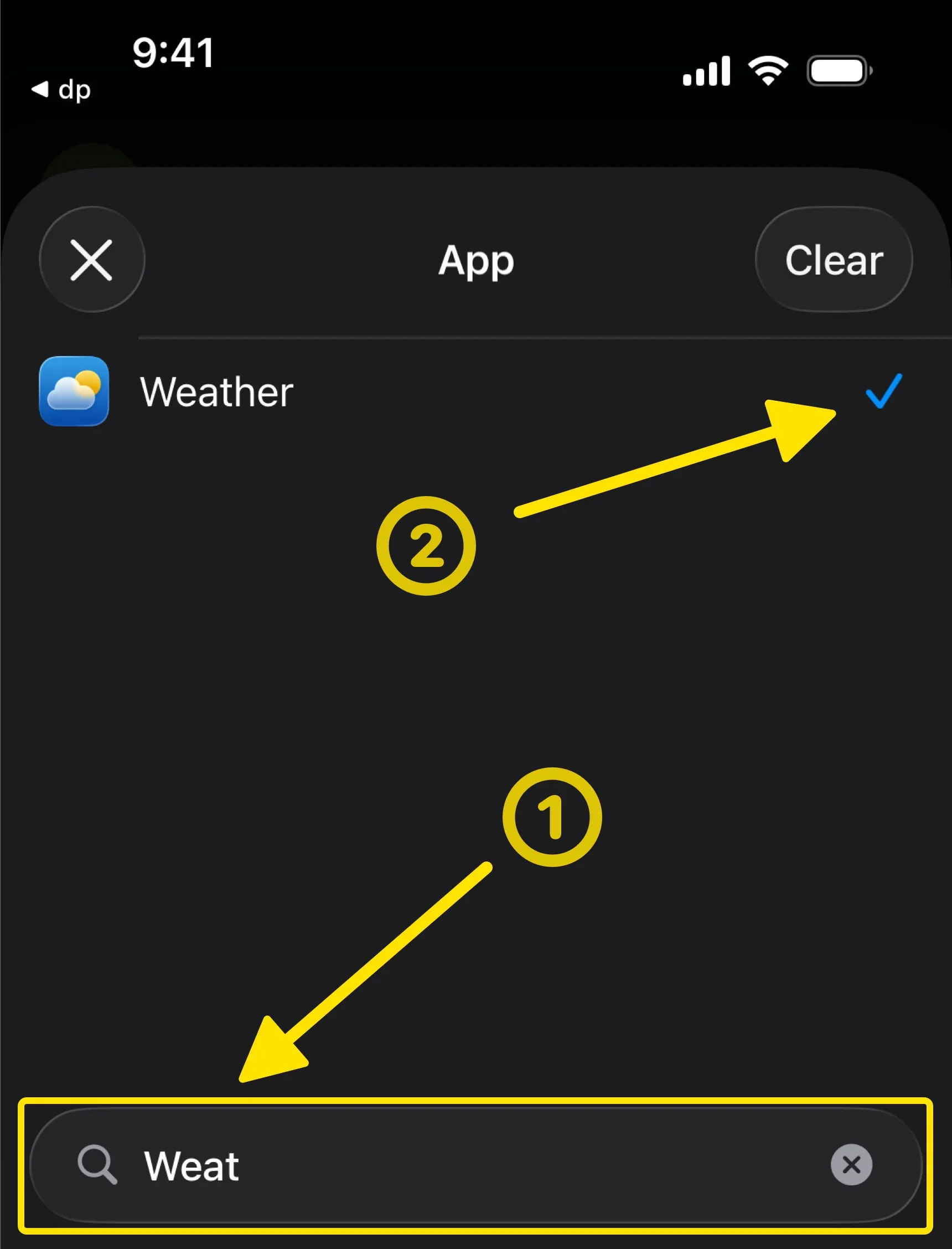
-
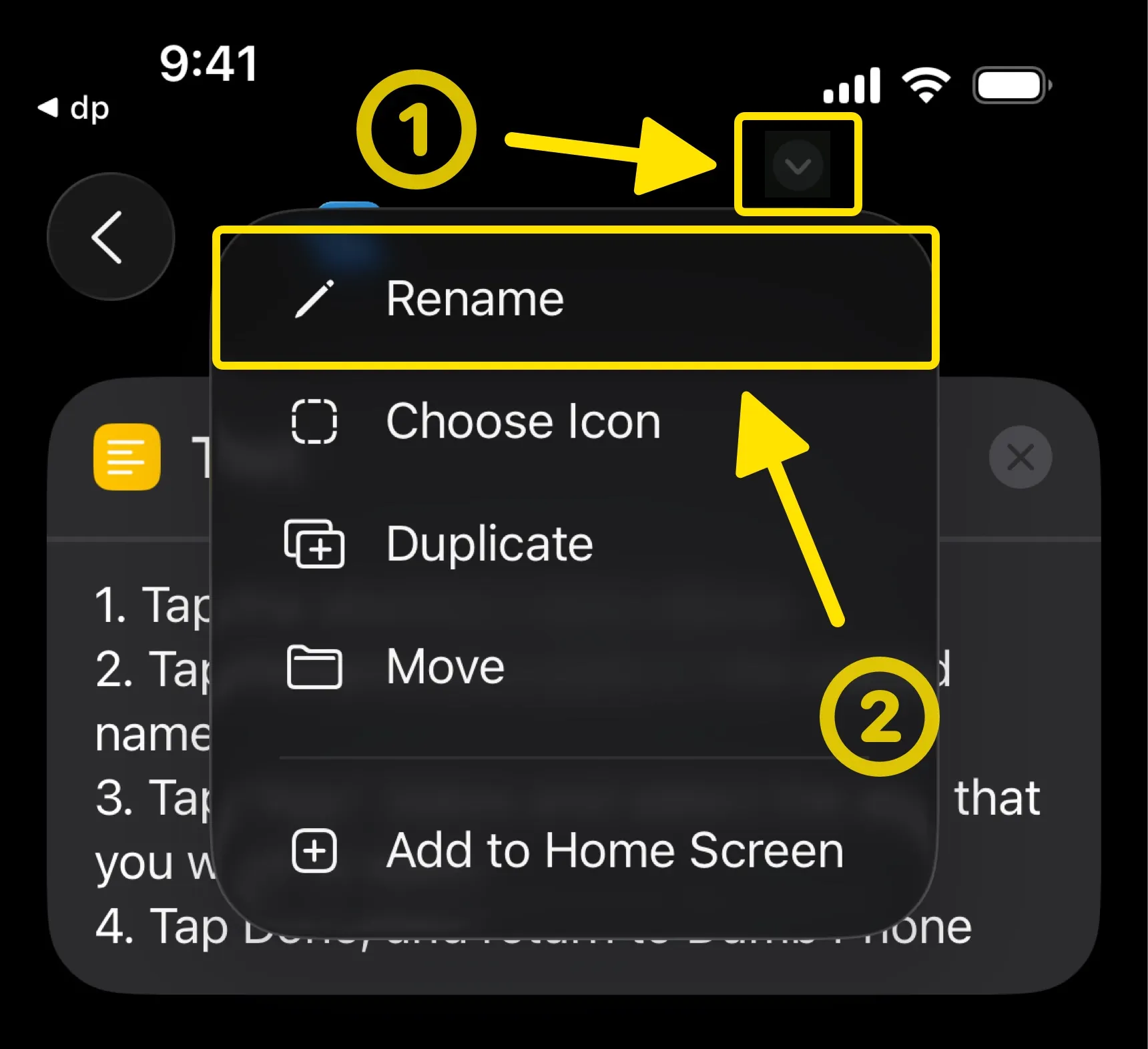
Rename the shortcut
-
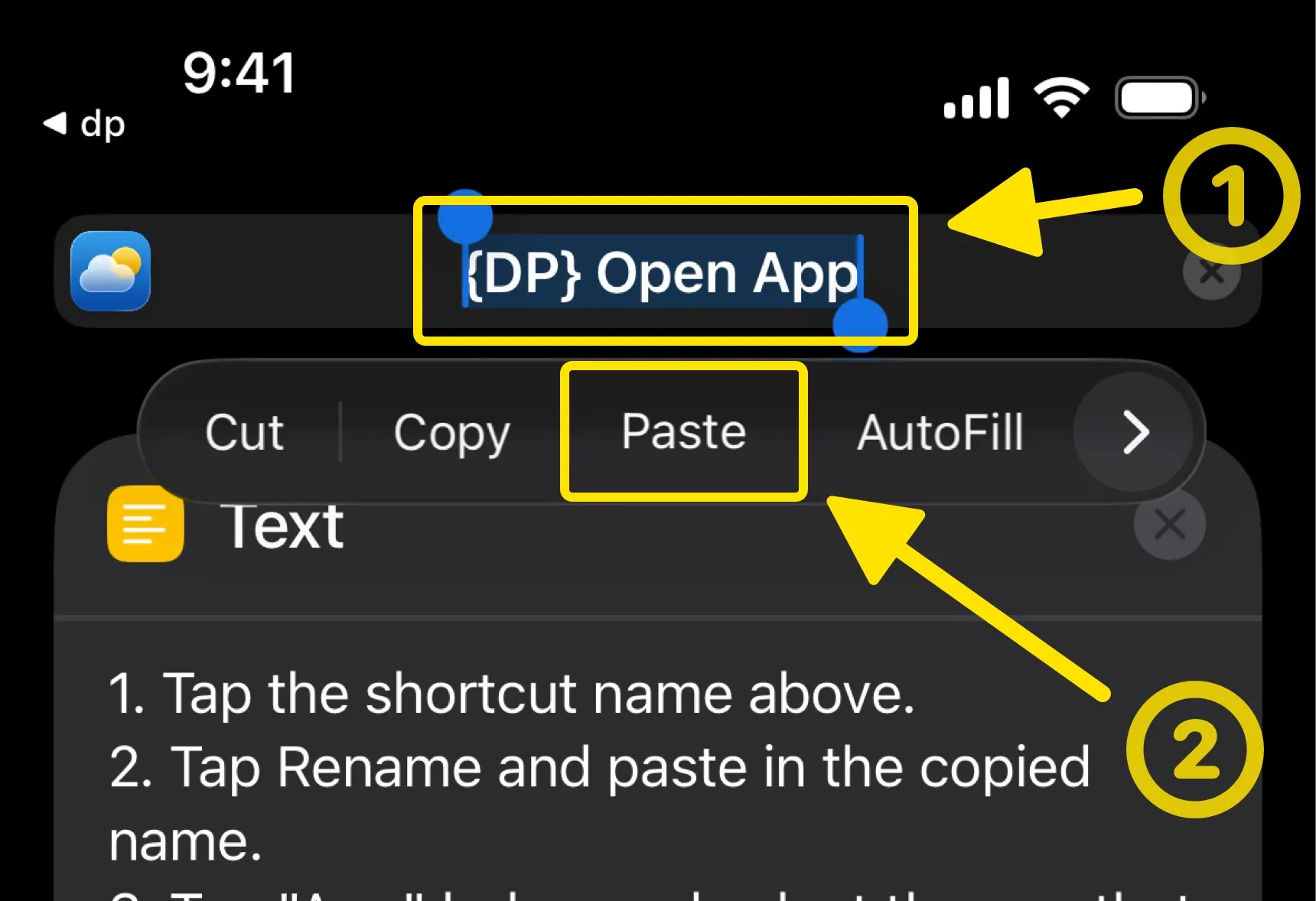
Paste in the previously copied name
-
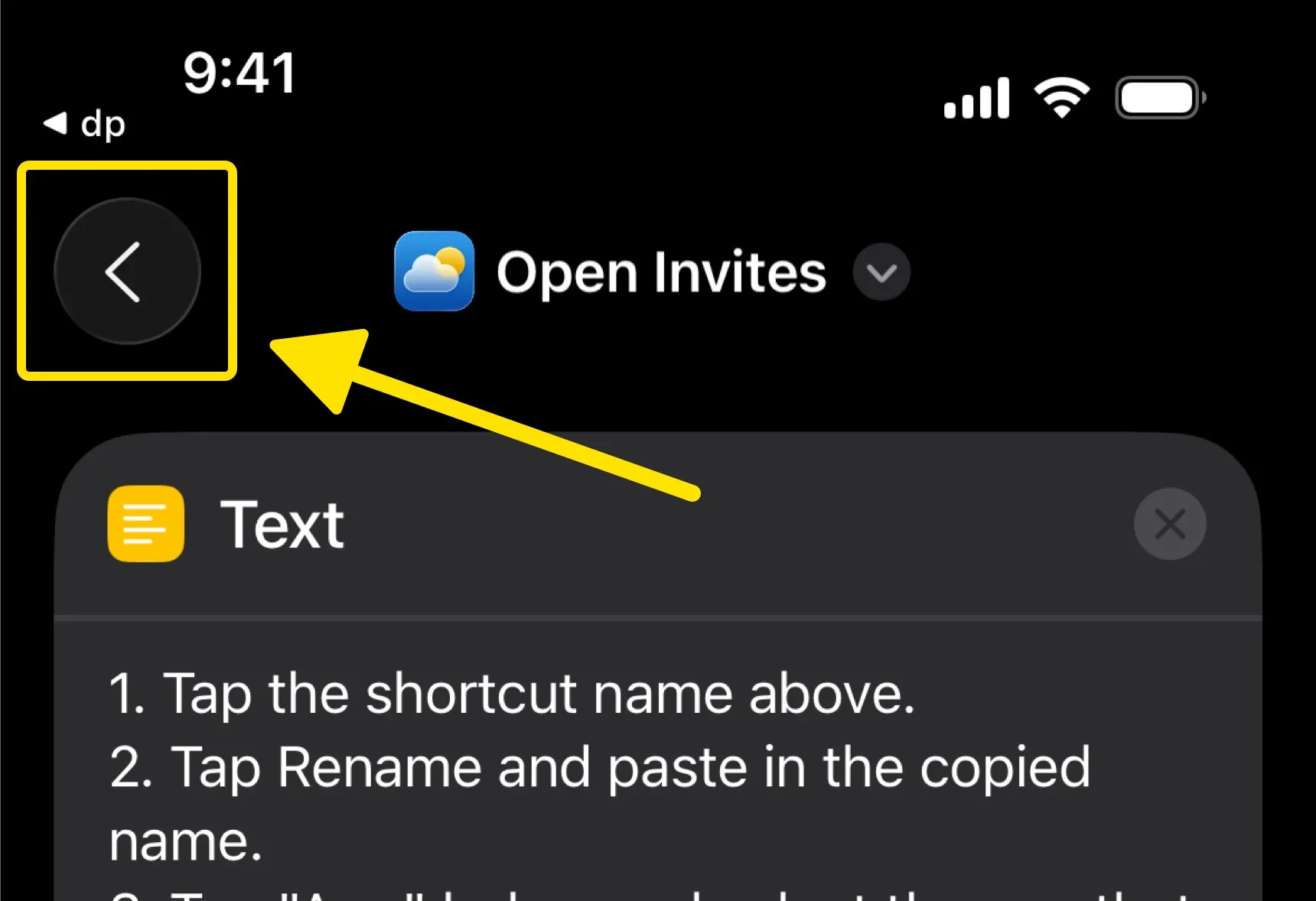
Close the shortcut and return to Dumb Phone
-
Select "I have set up the shortcut"